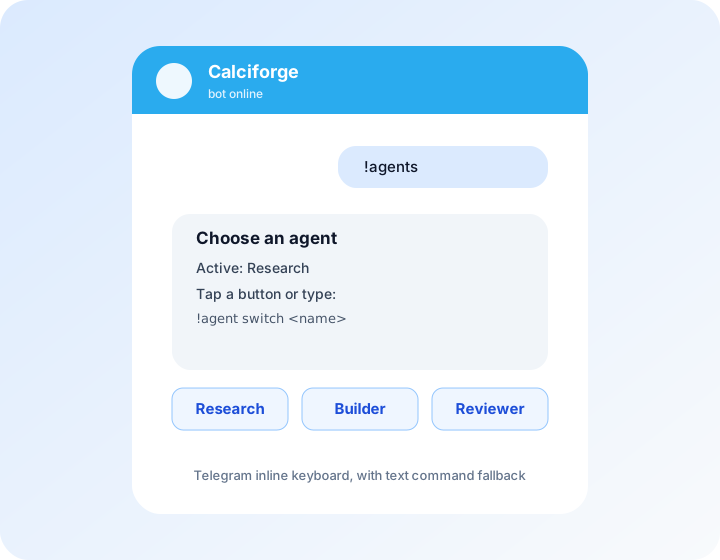
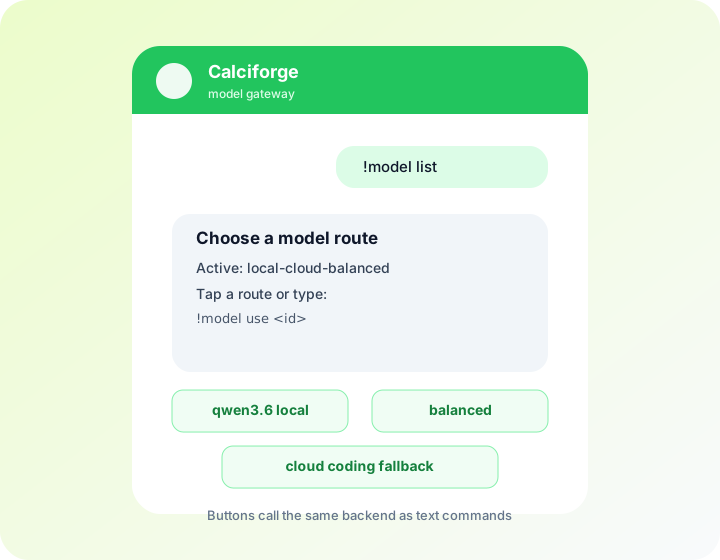
!model use <id>.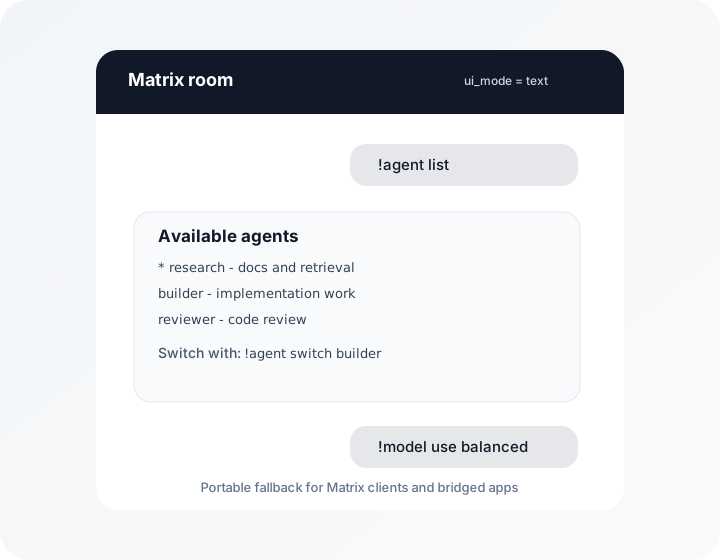
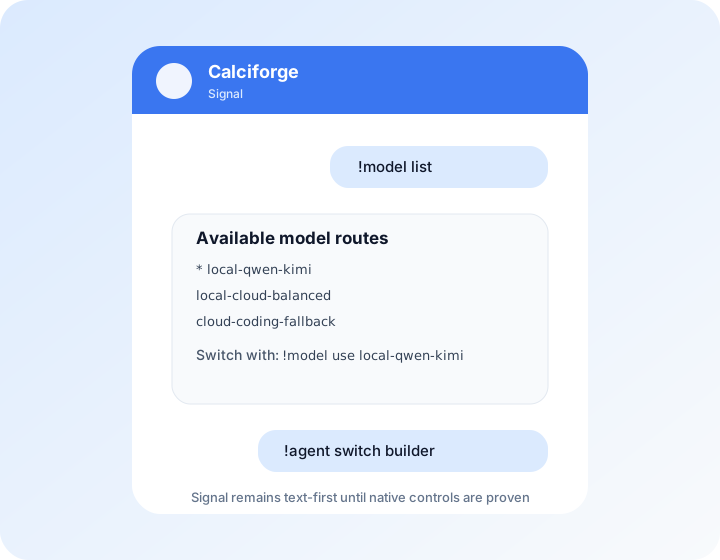
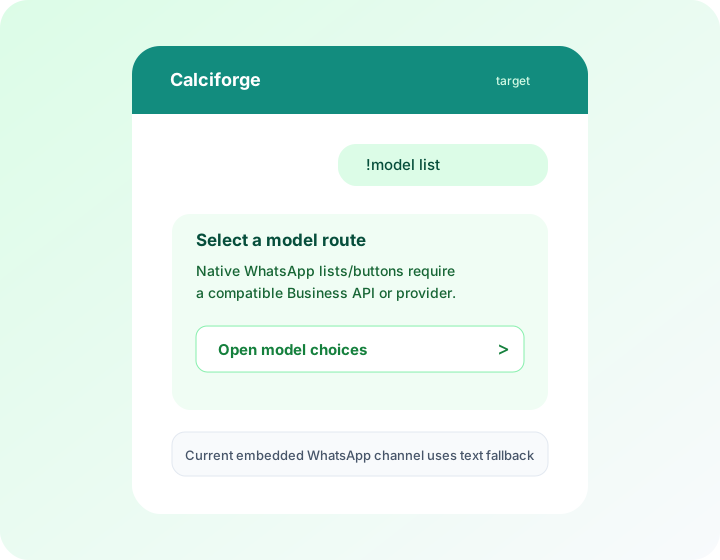
Calciforge keeps text commands as the portable interface, then adds native controls when a channel can render them reliably. A button press, list choice, approval decision, or form link must call the same backend command handler as the text command so the behavior stays identical across direct clients, bridged clients, and text-only channels.
The channel with the best controls does not have to be the channel where the
conversation happens. For example, an operator can keep Telegram open as a
Calciforge control panel for !agent, !model, !session, approval, and
!secret flows while chatting with the same routed agent over Matrix,
WhatsApp, Signal, or SMS. Active agent, model, and session selections are keyed
by Calciforge identity, so the operator’s choices follow them across channels.
Use ui_mode = "auto" to allow native controls where supported. Use
ui_mode = "text" when a client or bridge renders native controls poorly, such
as WhatsApp through a Matrix bridge.
These illustrations are rendered mockups for docs and planning. They show the intended user experience and the current implementation boundary; they are not captured screenshots from Telegram, Matrix, Signal, or WhatsApp clients unless explicitly labeled that way.
!model use <id>.
| Capability | Native examples | Text fallback |
|---|---|---|
| Choice | Telegram inline keyboard, WhatsApp list/reply buttons, RCS suggested replies | Labeled options with !agent switch <id>, !model use <id>, or !switch <agent> <session> |
| URL/form | Telegram URL button, RCS open URL action | Plain HTTPS link |
| Confirm | Yes/no quick replies or buttons | !approve <id> / !deny <id> |
| Artifact | Native image, audio, video, or file delivery | Artifact name, size, and safe next action |